
Build your online store
part by part, yourself.
17 parts and 80 layouts from header to footer. See every choice in the preview instantly and publish when you like it; no code needed.
On every plan; works with all 10 themes.

Same products, six different stores
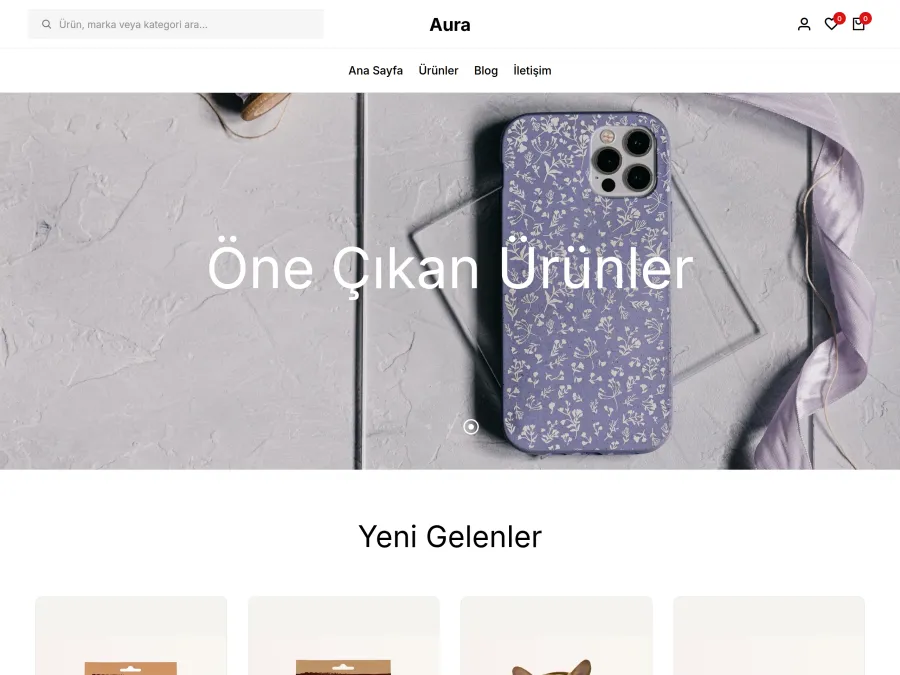
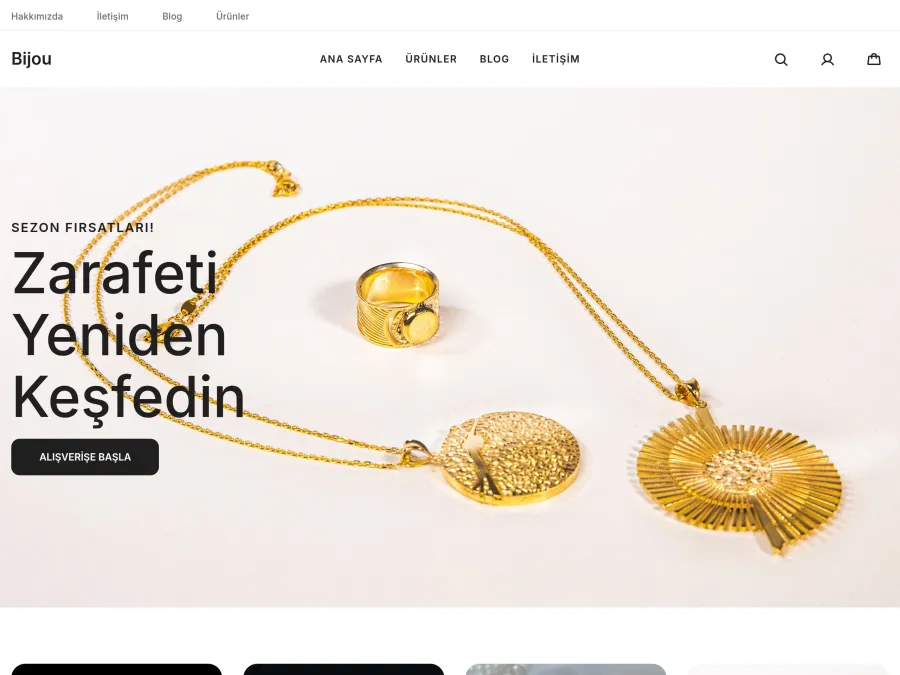
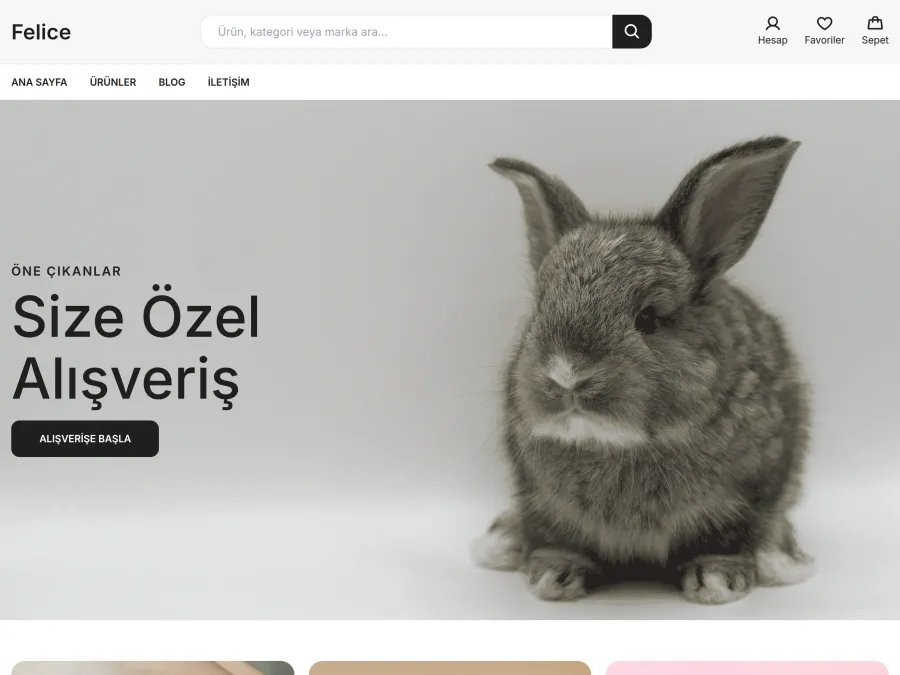
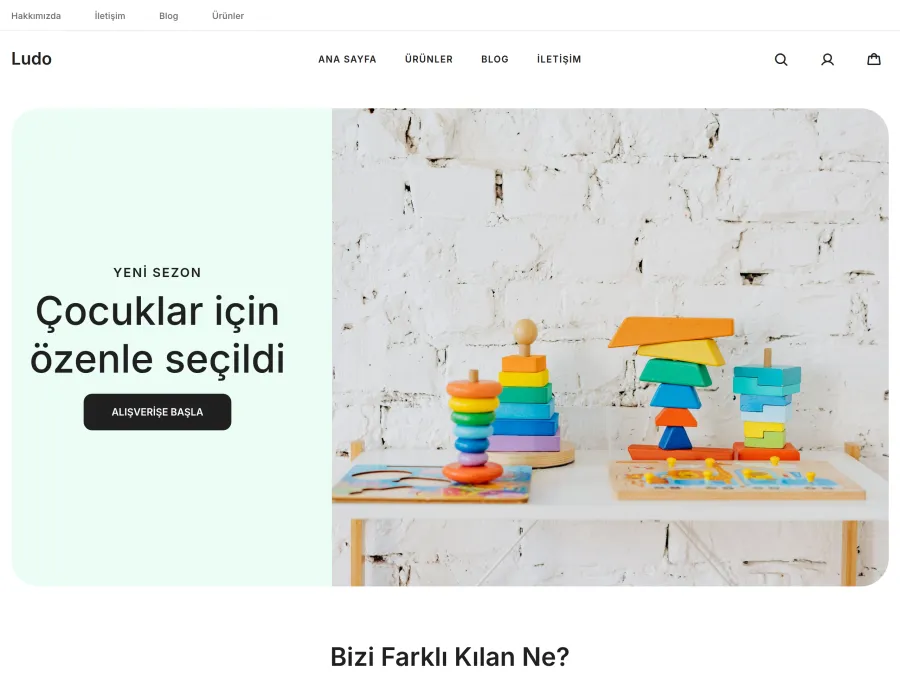
A ready-made combination sets every part and the typeface in one click. All of the stores below are the same demo store; only the selected combination changes.

Theme default
The Noir theme with no parts selected.

Boutique
Large centred logo, split slider, round categories. Luxury style.

Megastore
Search-first header, mosaic slider, tabbed product showcase. Simple style.

Minimal
Minimal header, full-width slider, text category list. Sharp style.

Cheerful
Sliding card slider, scrolling category strip, showcase with a promo card. Soft style.

Home & Living
Floating header, framed slider, large category tiles. Classic style.
You choose each part separately
Start from a combination and change any part, or choose every part yourself from scratch. “Theme default” is an option for every part as well.
Top
Storefront
Trust
Bottom
Other pages
Most parts also have an “I don't want it” option; the header and footer always stay.
Step by step, top to bottom
The wizard first asks for a combination and a style, then goes through each part in order. The matching section is highlighted in the preview, and you can skip any step. At the end a summary shows which parts carry your own choice, and you publish with one button.
- One step for each part
- Jump back to any step from the summary
- Opens right after setup if you choose “Build Your Theme” when signing up

Typefaces and corners, matched across every part
Simple, Soft, Sharp, Luxury and Classic: each style pack sets the body and heading typefaces, corner rounding, button shape and use of capitals across every part at once.
- After picking a pack, you can still change the colour and typeface
- See each change in the preview as you make it
- Switch between desktop, tablet and phone views

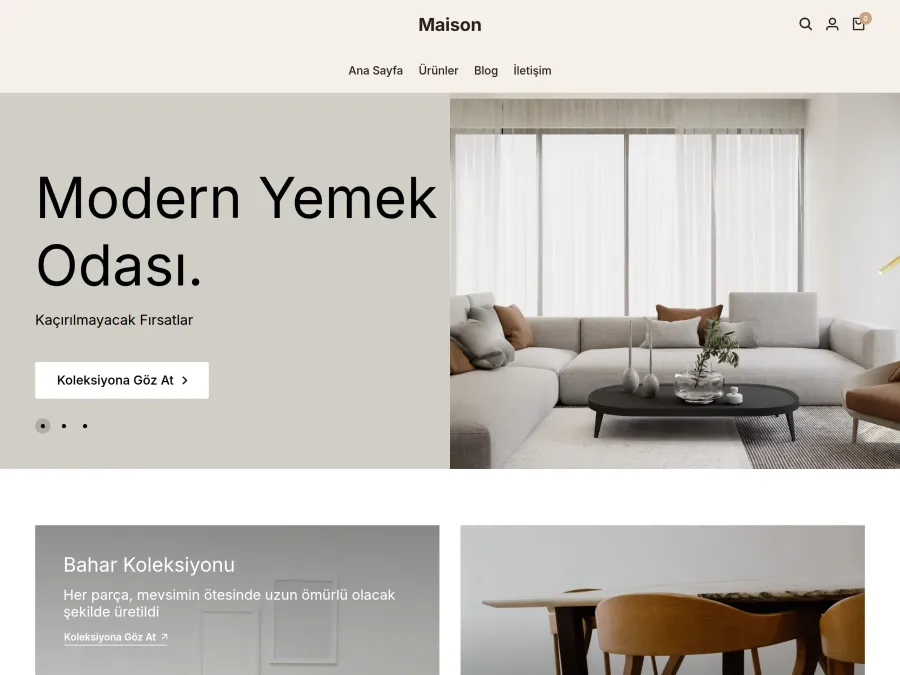
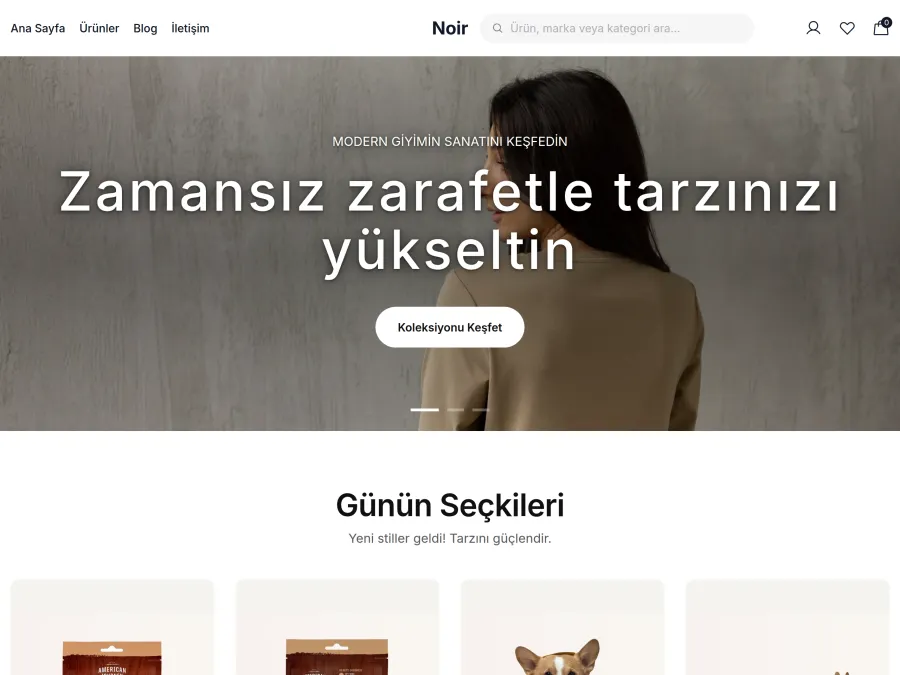
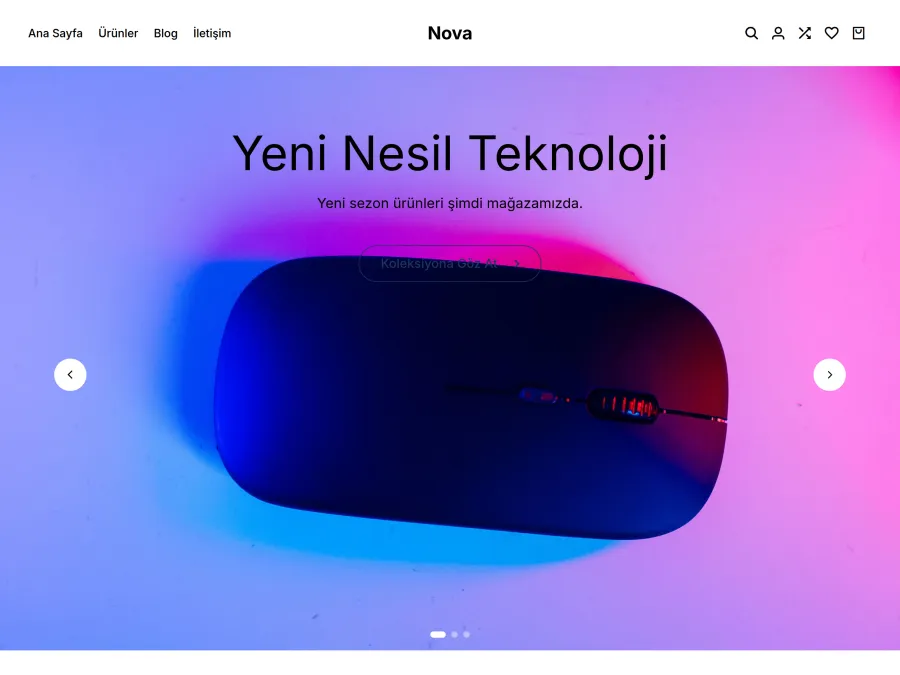
Start with a ready-made theme
Each of the 10 themes can be used by any store. After choosing one, you change its colours, fonts and sections in the editor.
- Switching themes does not touch your products or orders
- Themes are designed for phone screens too
What's in the editor?
You choose parts in the Theme tab, edit sections in the Page tab, and set your logo, colours and typefaces in the Store appearance tab.
Appearance
Content
Preview and publishing
About Build Your Theme
Do I need to know how to code to build my theme?
Can I change just one part without breaking my current theme?
What is a ready-made combination?
Do changes go live in my store immediately?
How does it look on a phone?
Are my products or orders affected?
What if I don't want a section at all?
Which plans and themes include it?
Start today,
take your first order tomorrow.
Try it free for 14 days. No credit card, no commitment. If you don't like it, cancel and pay nothing.